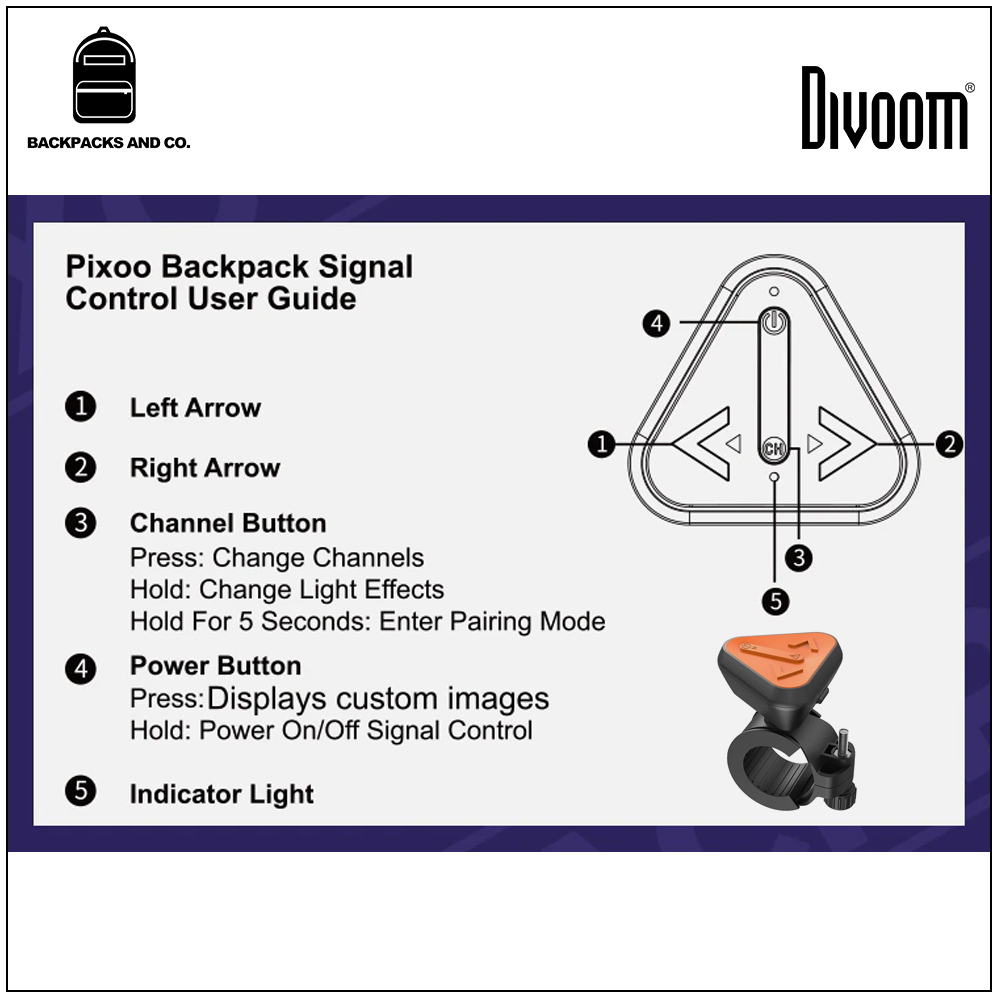
如何配對信號控制?
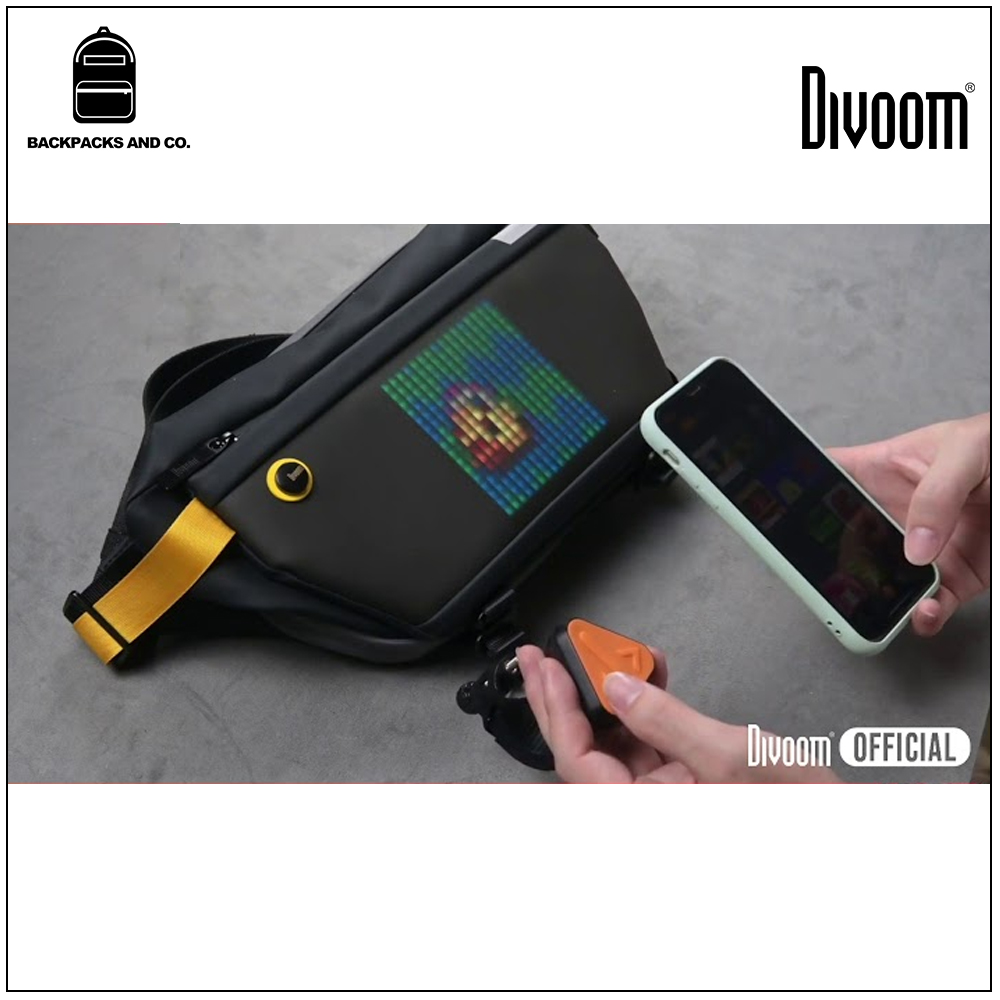
1:將背包與移動電源連接,然後打開遙控器電源。
2:在 Divoom APP 中,配對 Pixoo 背包,然後進入設置 > 設備。
3:選擇配對信號遙控器
4:按住 Ch 按鈕 5 秒鐘。 LED 閃爍後,遙控器處於配對模式。
5:在 Divoom APP 上,點擊“開始配對”。
6:信號遙控器將在幾秒鐘後配對。
How to pair signal control?
1: Connect the backpack with the power bank, and then turn on the power of the remote control.
2: In the Divoom APP, pair the Pixoo backpack, then go to Settings > Devices.
3: Select pairing signal remote control
4: Press and hold the Ch button for 5 seconds. After the LED blinks, the remote is in pairing mode.
5: On the Divoom APP, click "Start Pairing".
6: The signal remote will be paired after a few seconds.